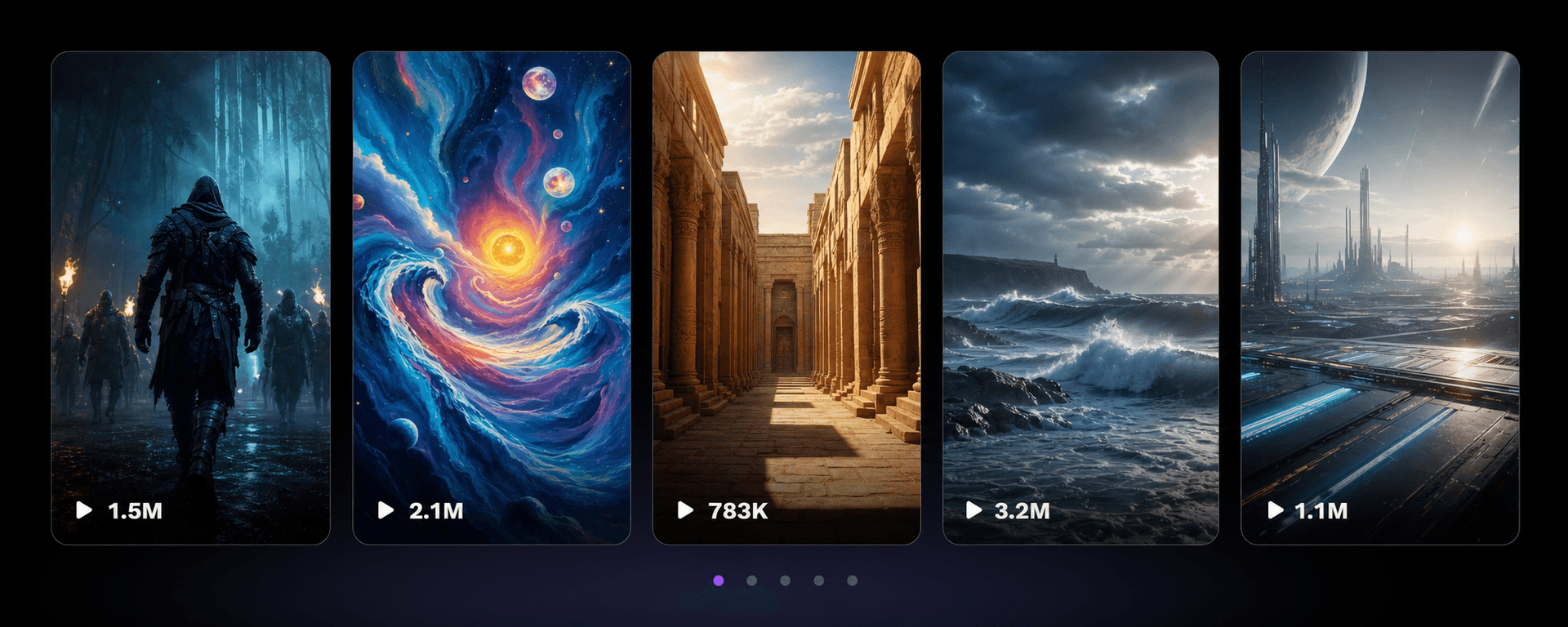
Text to Video
Turn scripts, ideas, and prompts into short-form AI clips.
AI shorts creation
Turn text, prompts, audio, and long videos into publish-ready shorts with Vexub. Generate faster, edit less, and keep every format ready for social.
Turn scripts, ideas, and prompts into short-form AI clips.
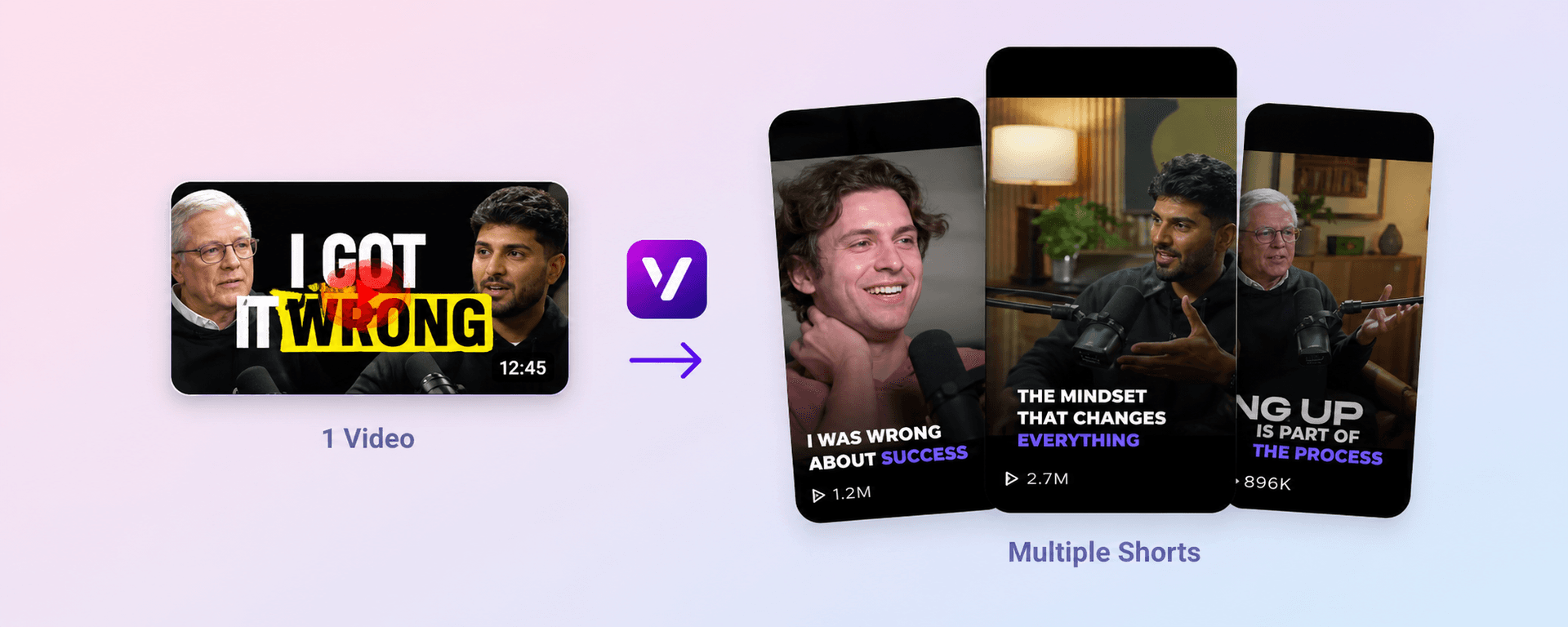
Import a long video and generate short clips for social platforms.
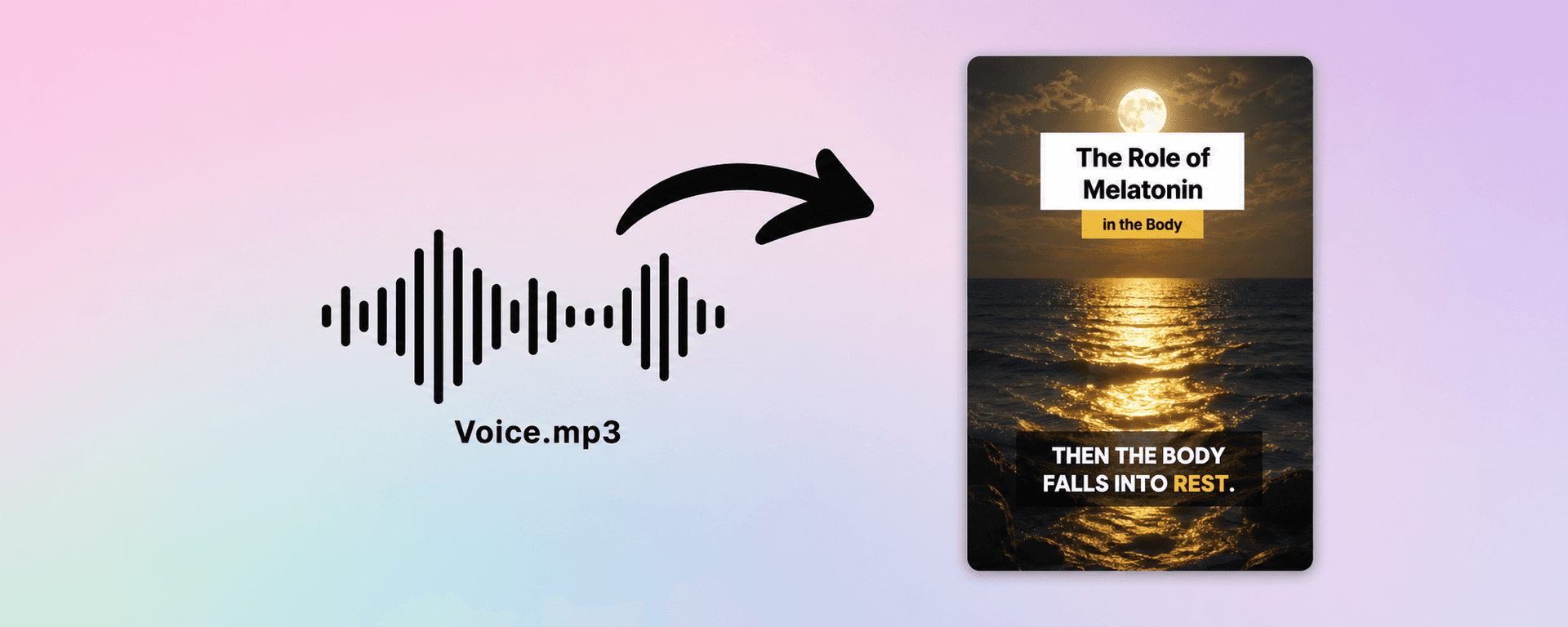
Transform audio files into vertical clips with visuals and captions.

Generate short visual scenes from a single prompt with AI models.
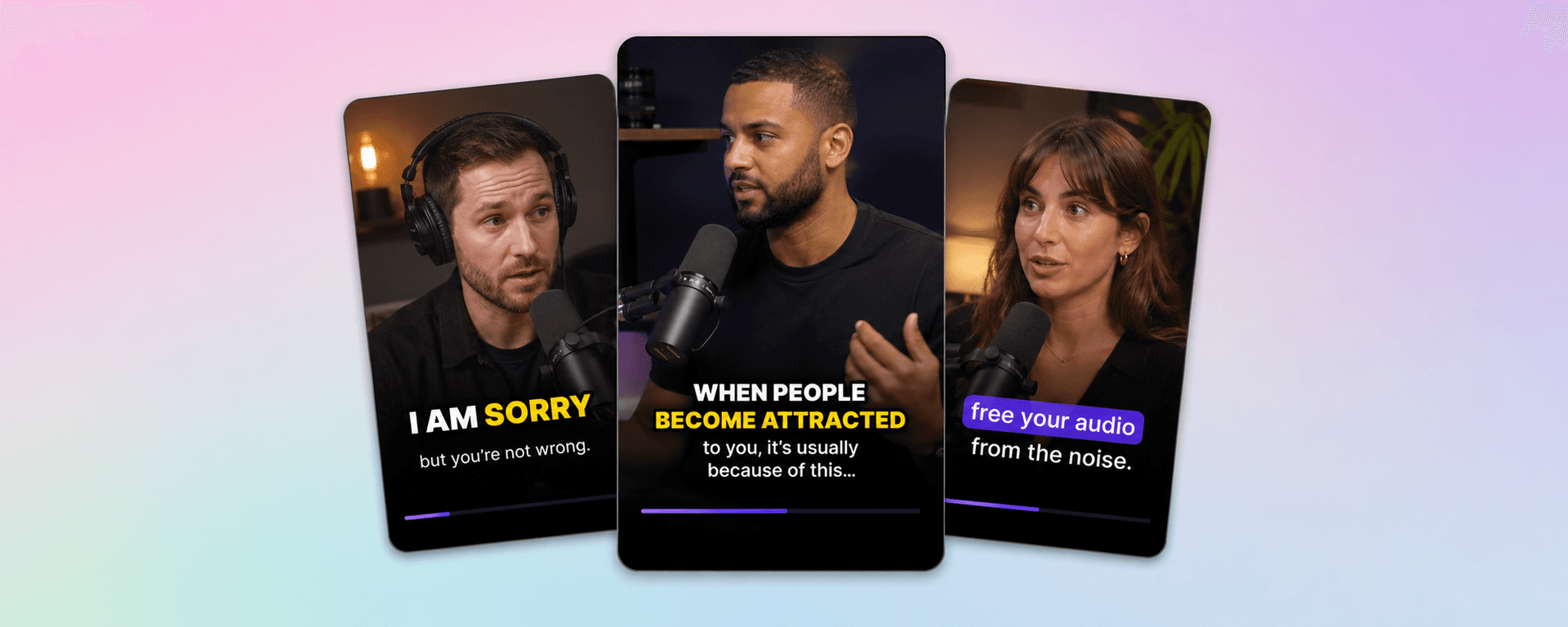
Add captions, pacing, and visual emphasis to make shorts easier to watch.
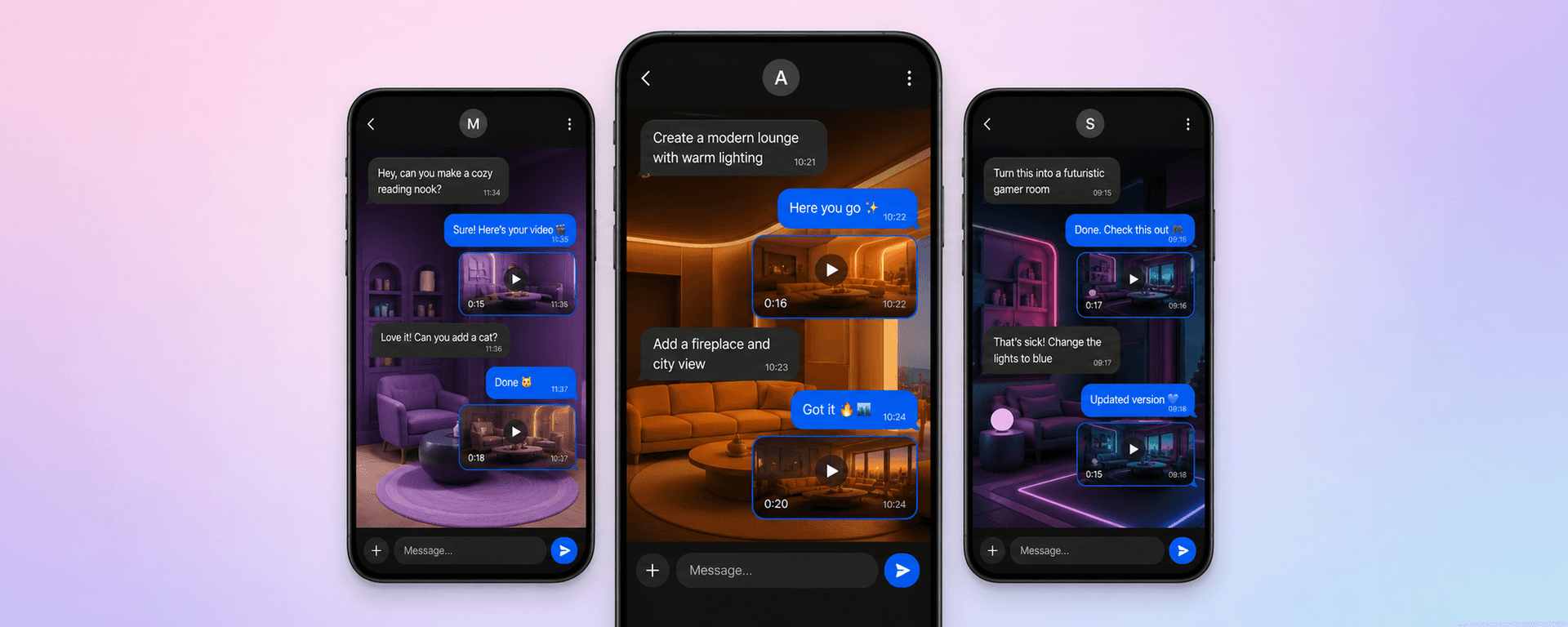
Create conversation-style videos from chat scenarios and storylines.
Turn scripts, ideas, and prompts into short-form AI clips.
Import a long video and generate short clips for social platforms.
Transform audio files into vertical clips with visuals and captions.
Generate short visual scenes from a single prompt with AI models.
Add captions, pacing, and visual emphasis to make shorts easier to watch.
Create conversation-style videos from chat scenarios and storylines.
AI shorts creation guide
SEO target
MultiShortsAI is a complete AI shorts creation experience designed for creators who want to turn different types of input into publish-ready short videos. A creator may begin with a written idea, a long YouTube video, a podcast clip, a voice note, a product description, a cinematic prompt, or a scripted conversation. Instead of treating each of those formats as a separate production problem, MultiShortsAI brings them into one workflow built around fast generation, social formatting, subtitles, and clear visual storytelling.
Modern creators rarely work with only one content type. A single idea can become a text-to-video short, a subtitle-heavy social clip, a narrated explainer, an audio-based video, or a vertical highlight taken from a long recording. That is why an AI shorts platform needs to support more than one generator. MultiShortsAI is built around the idea that short-form creation should be flexible: write, upload, clip, subtitle, transform, and publish without rebuilding the entire process every time.
AI shorts generation helps reduce the distance between an idea and a finished piece of content. Traditional video production can require scripting, filming, voice recording, editing, subtitles, sound design, resizing, and repeated exports. Those steps are powerful, but they can also slow down creators who need to test ideas quickly. An AI shorts generator helps by taking a prompt, a script, a file, or a video source and turning it into something closer to a final short-form asset.
This matters for solo creators, agencies, marketers, educators, and businesses. A solo creator may need daily content without spending hours inside an editing timeline. An agency may need to test many hooks for different clients. A coach or educator may want to explain a topic in a more visual way. A brand may want to turn product benefits into short clips. With the right AI workflow, each of those users can start from the material they already have and produce shorts faster.
Text-to-video generation is one of the most useful workflows for creators because it begins with the format people already use to think: written language. A text prompt can describe a topic, a story, a tutorial, a product, a scene, or a short social hook. A complete script can provide the exact narration and order of ideas. The generator can then help turn that written input into a structured video with scenes, visuals, voice, captions, and vertical formatting.
Strong text-to-video prompts usually include a clear subject, tone, and target platform. For example, a creator might ask for a cinematic motivational short, a simple educational explainer, a product demo for TikTok, or a story-driven video for YouTube Shorts. The more precise the input, the easier it is to create a video that feels intentional. This makes text-to-video useful for faceless channels, educational content, storytelling pages, product marketing, and creators who want to publish more often without recording from scratch.
Long-form videos often contain multiple short moments that can perform well on social platforms. Interviews, podcasts, gaming sessions, challenges, webinars, tutorials, and YouTube videos can all be clipped into shorter vertical content. The challenge is finding the strongest moments, cutting them cleanly, adding subtitles, reframing the video, and preparing the result for TikTok, Instagram Reels, and YouTube Shorts.
A video-to-shorts workflow helps creators repurpose long content instead of starting from zero. This is valuable because one long recording can become many different social clips. A creator can extract hooks, reactions, explanations, funny moments, highlights, and strong narrative beats. For teams that already produce long videos, clipping is one of the most efficient ways to increase output and reach new audiences on short-form platforms.
Audio is often easier to create than video. Many creators already have podcasts, voice notes, music, narration, interviews, or spoken ideas that could become visual content. MP3-to-video generation turns audio into a video format by adding visual presentation, captions, motion, and platform-ready framing. This makes audio content easier to share on video-first platforms where a static audio file would not be enough.
This workflow is useful for podcasters, musicians, educators, coaches, and creators who prefer recording voice before building visuals. A strong audio clip can become a captioned short, a visual quote, a story video, a branded social asset, or a music-focused post. With AI shorts tools, the creator does not need to manually design every frame in order to turn audio into something watchable.
Prompt-to-video generation is useful when the creator wants to generate scenes from a written description. This can help with concepts, ads, story visuals, mood tests, creative experiments, and cinematic social content. Instead of searching for stock footage or filming a complex scene, the creator can describe the desired shot and explore a visual direction quickly.
A good prompt-to-video workflow can be especially valuable during the early stages of a campaign or creative project. It helps creators test whether an idea has visual potential before investing time in a full production. It can also help social creators produce more imaginative clips, fantasy scenes, futuristic visuals, product concepts, and eye-catching hooks that would be difficult to film manually.
Subtitles are no longer optional for many social videos. A large part of the audience watches content without sound, scrolls quickly, or decides in the first seconds whether a video is worth watching. Clear captions improve accessibility, comprehension, retention, and pacing. AI subtitles can help creators add readable text, emphasis, and rhythm without spending time typing every line manually.
Mobile-first formatting also matters. Short-form videos need vertical framing, clean composition, strong pacing, and a layout that is easy to read on a phone. MultiShortsAI focuses on these social requirements so creators can generate videos that are closer to publish-ready from the beginning. The goal is to make every output easier to watch, easier to understand, and easier to post.
Consistent publishing is one of the biggest challenges in content marketing. Search engines, social platforms, and audiences all reward useful content that appears regularly. An all-in-one AI shorts platform helps by turning more of a creator's existing ideas into reusable assets. A blog post can become a text-to-video explainer. A podcast can become captioned clips. A long video can become shorts. A product page can become a social ad. A simple prompt can become a visual concept.
This does not remove the need for creative direction. The best results still come from clear ideas, strong hooks, useful information, and an understanding of the target audience. But AI shorts generation reduces the technical friction. It gives creators more chances to test formats, improve messaging, and publish content that matches how people actually watch videos online.
A lot of competitor traffic around tools like FacelessReels, AutoShorts, Revid, Crayo, Short.ai, and Faceless.video comes from creators searching for faceless video generator, automated shorts, faceless Reels, AI TikTok generator, YouTube Shorts generator, and social media video automation. Those searches are not only about making one clip. They are about building a repeatable short-form system.
MultiShortsAI is positioned for that broader intent: text to video, video to shorts, prompt to video, AI subtitles, audio to video, and faceless workflows all live on one page so creators can compare the full production stack instead of one isolated feature.
An AI shorts generator helps creators produce short-form videos from different inputs. Instead of using one tool for scripts, another for clipping, another for subtitles, and another for formatting, MultiShortsAI brings multiple creation workflows into one place. It focuses on turning text, prompts, audio, and long videos into publish-ready social clips.
Yes. Video-to-shorts generation is designed to help creators repurpose long videos into shorter vertical clips. The goal is to find strong moments, reshape them for mobile viewing, add subtitles, and prepare the result for short-form platforms such as TikTok, Reels, and YouTube Shorts.
Yes. Text-to-video and prompt-to-video workflows let you start with a written idea, title, script, or scene description. The generator can then help build a video structure with visuals, narration, captions, pacing, and social-ready formatting.
AI shorts creation platforms are useful for creators, faceless channels, marketers, agencies, educators, entrepreneurs, podcasters, and social media teams. They are especially helpful when you need to test more ideas, publish consistently, or transform existing material into new video formats.